
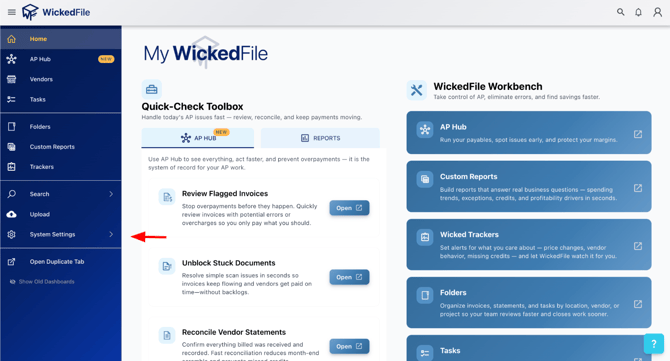
Step 1: Open up the side menu in WickedFile. Then, click on "System Settings" at the bottom and then "Locations"
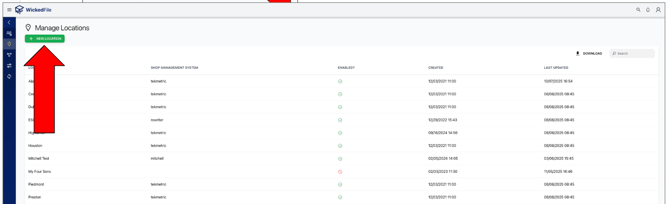
Step 2: Now click on the "New Location" button and follow the steps outlined.
Note: As a reminder, please make sure your SMS is connected to the new location and that any relevant users have been added. If this location will be billed to a different credit card than your existing location, you can find instructions on adding a new card in the Knowledge Base under Account & Billing → Payment Information.