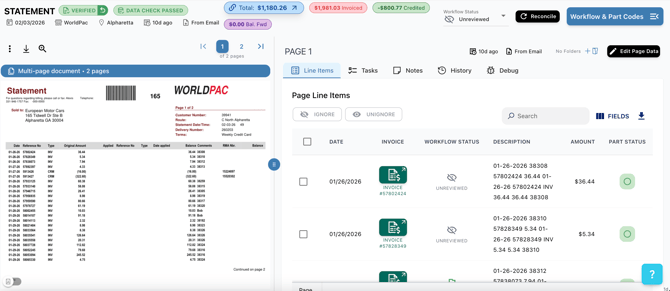
In regards to uploading invoices or vendor statements that are multi-page scans. The following rules must be met in order for proper reconciliation:
1. They must belong to the same pdf document
2. They must be from the same vendor and the vendor name must be visible on each page
3. They must have the same invoice number and it must be visible on each page
As long as these three conditions are met, the multi-page document should be matched together.