
How It Works
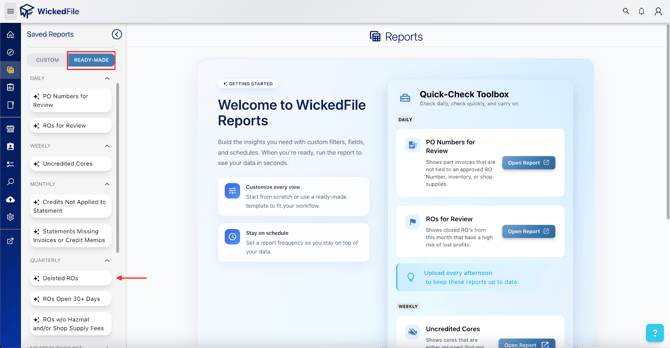
The report filters and displays ROs based on the following criteria:
- RO Type: Deleted
- Date Range: Recent activity, with a default filter of the current month
Why It’s Important
Deleted ROs may hide critical issues, like Potential fraudulent behavior by employees attempting to conceal part purchases
Recommended Fix Actions
When a deleted RO is identified, immediately review:
- Associated part purchases to ensure no parts were added without proper billing
- Service advisor activity logs to verify who deleted the RO and why